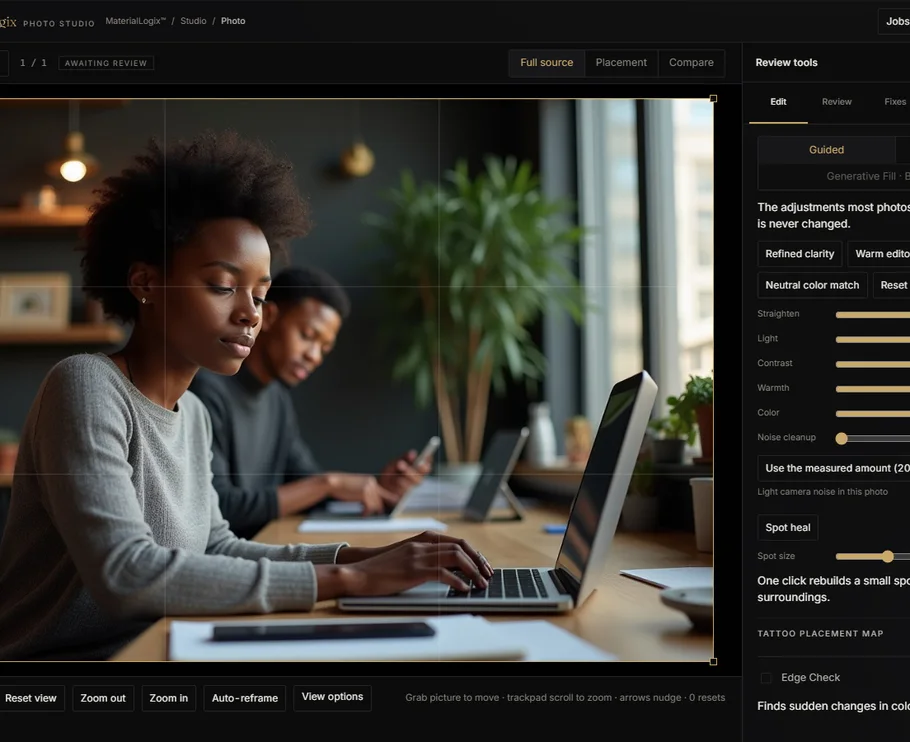

No install
Use the web.
Open in Chrome or Edge.
- Start quickly
- Best for edits and review
Same Studios on web and Windows. Shared accounts when billing is live.
Best for larger projects.
Open in Chrome or Edge.
Built for longer, larger work.
Web: Chrome or Edge. 8 GB memory.
Windows: Windows 10 or 11. 8 GB memory.
Storage: Download 82 MB, 194 MB unpacked. Video up to 3 GB. Voice 6 GB.
No graphics card? Editing and export still work. Some generation and enhancement tools may be unavailable.
Photo, Video, Voice, Music. One workspace.
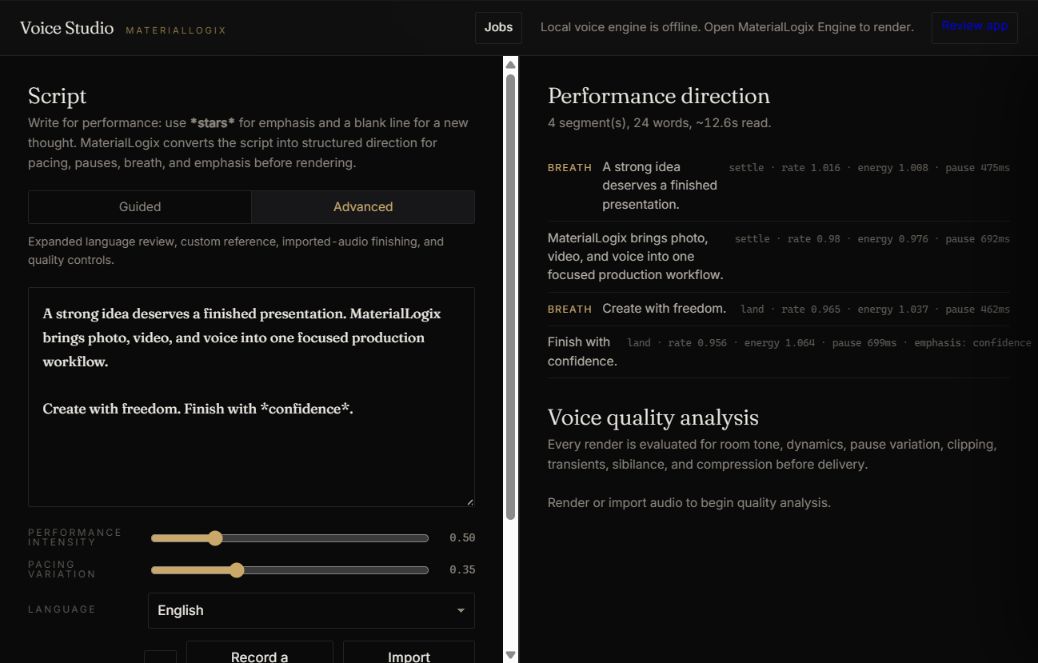
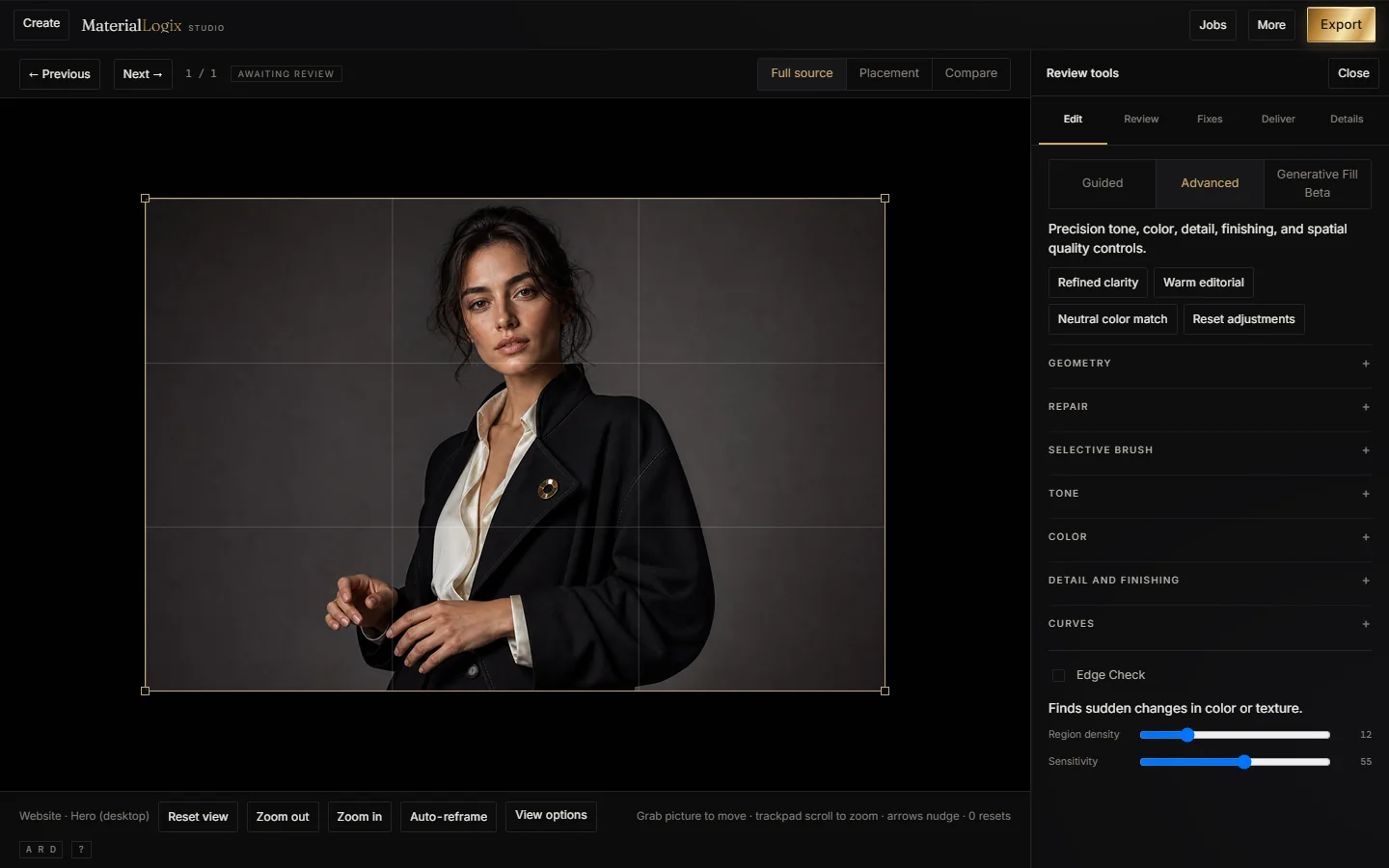
Generate, edit, review, and export.
Made in the Photo Studio.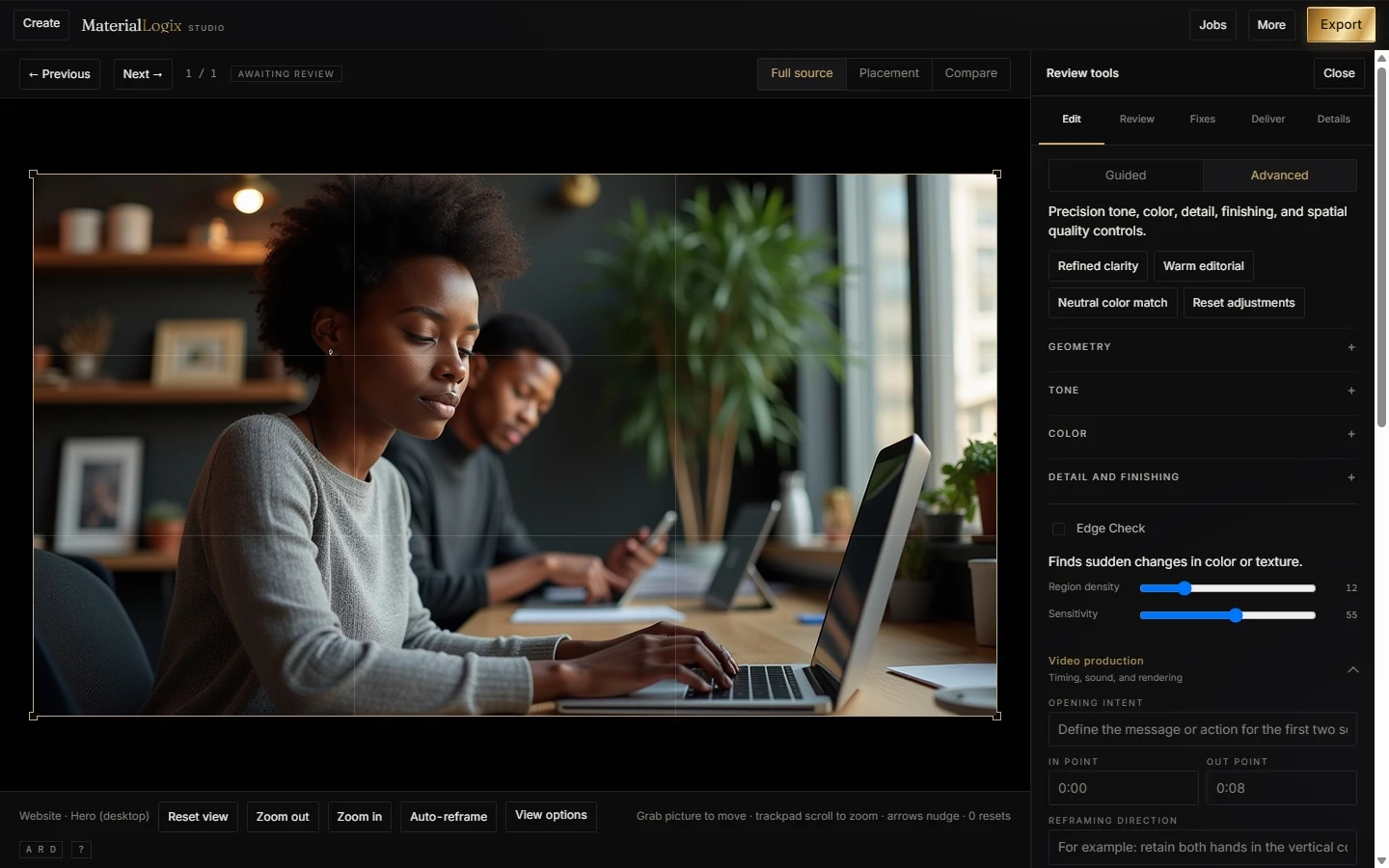
Edit motion, sound, and color with the MaterialLogix™ Motion Engine. Captions when the local pack is installed.
Pro adds advanced motion.
Shape pace, pauses, pronunciation, and energy.
Hear the finished sound.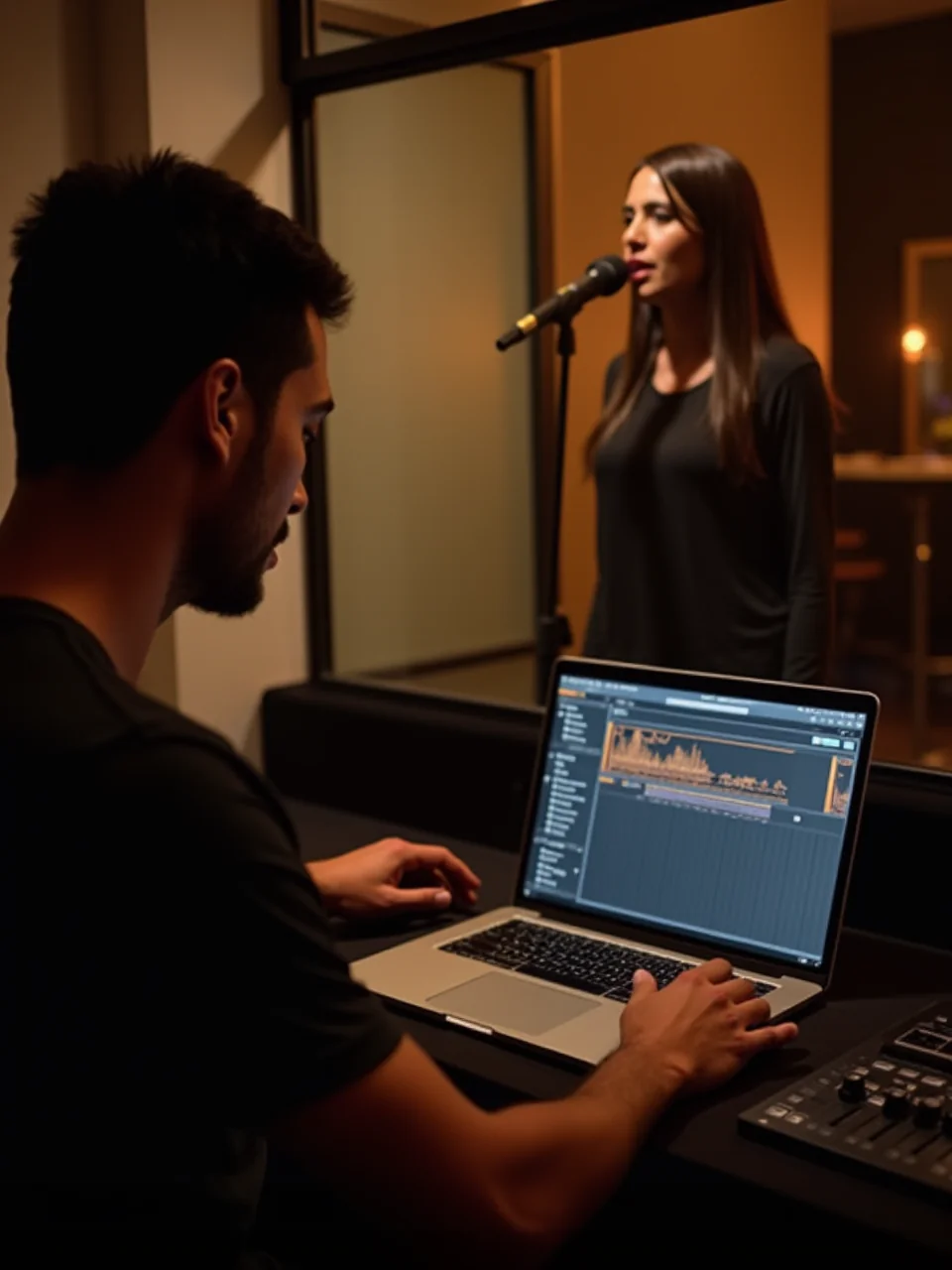
Arrange vocals, beats, and instruments on your own computer. Included with Full Studio and Pro Studio.
Included in Full and Pro.Try every Studio. Clean export needs a plan — paid Checkout opens when billing is live.
Voiceover, narration, and scripts.
Choose Photo, Video, or Voice.
Save up to 22%$40/3 months or $140/year. Renews. Cancel anytime.
One Studio. Pro tools for that Studio.
Save up to 22%$67/3 months or $235/year. Renews. Cancel anytime.
Photo, Video, Voice, and Music.
Save up to 21%$77/3 months or $275/year. Renews. Cancel anytime.
Every Studio. Pro tools across all four.
Your discount appears before payment. Promo codes do not include cloud credit.
Paid Checkout is not open yet. No payment can be taken from this page.
Music is included with Full Studio and Pro Studio only — it is not sold alone.
Cloud Video credit comes with Video and all-studio plans when cloud Video ships.
Wallet refills ($10–$500) and auto top-up stay closed until billing opens.
Use the web or Windows. Choose a Studio. Sign-in opens with billing.
Yes for editing and preview. Local packs add captions, smoother motion, and generation. A plan unlocks clean export.
Use the web to start fast. Use Windows for larger projects.
Yes, three ways: pair with your computer, use cloud rendering once it opens, or render on your phone.
They record more angles of a person or product so edits stay consistent.
Only when cloud processing is offered and you approve a job and its price.
Windows 10 or 11, 8 GB memory, and enough project storage.
When billing is live, Usage shows charges, refunds, credits, and balance.